
01 / PRESENCEIt takes a corner.
It takes a corner.
The rest of your
screen is yours.
Place the character where it suits you. Adjust its size to fit the space around your windows.
Free to use An AI companion for your Mac
A character who lives on your Mac desktop. Ask out loud or type, and Tvaily answers with a voice and a face.
macOS 27 or later · Apple M1 chip or later · Optional in-app purchases
Place the character where it suits you. Adjust its size to fit the space around your windows.
Ask out loud, or open Text Chat when you want to keep the room quiet.
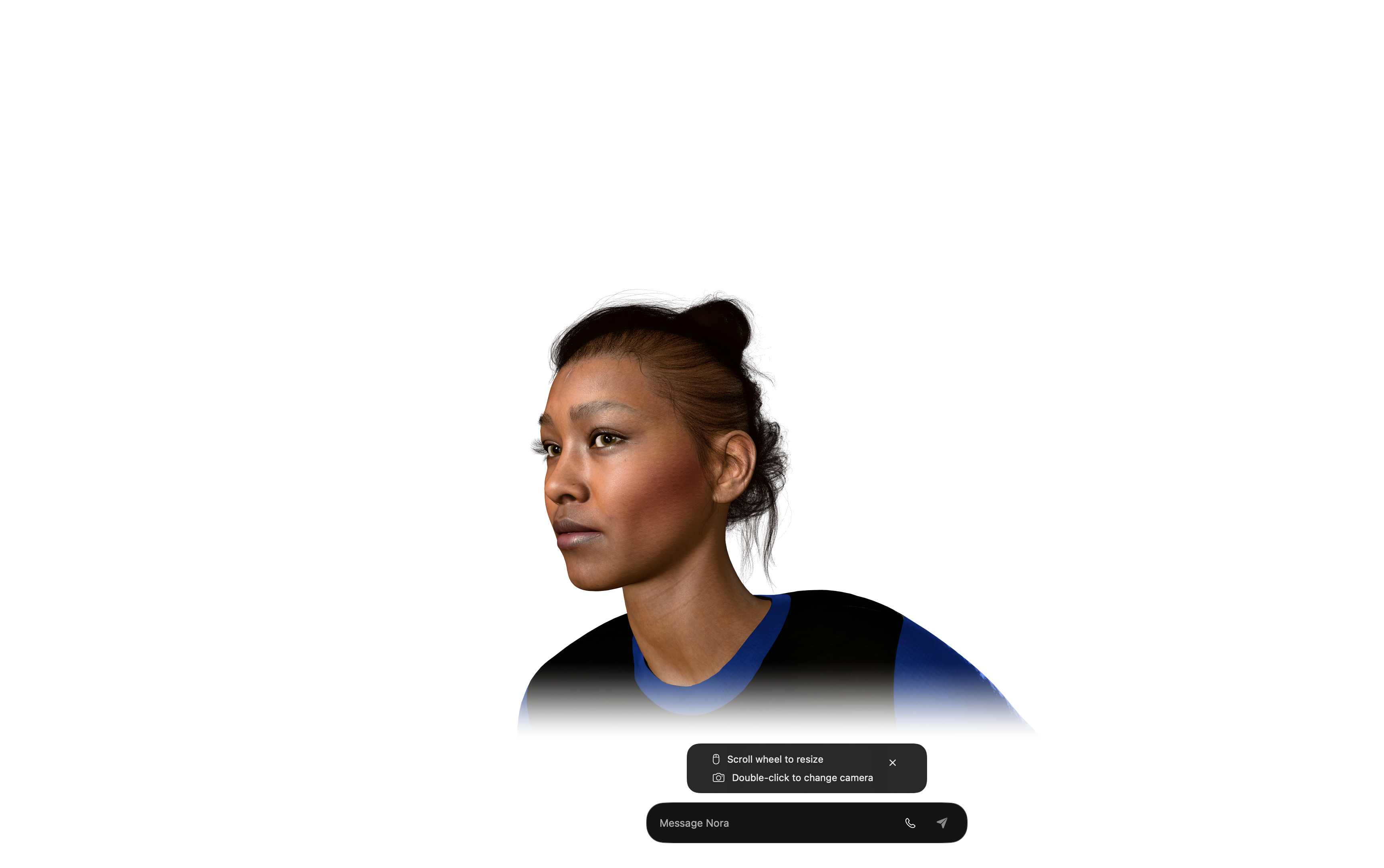
Choose a supported local model during setup. On-device conversation needs no Tvaily account. Camera and microphone are optional.
Real Mac app captures. Conversation views: Tvaily 1.0.3, 18 October 2026. Appearance and controls can vary by version.
Getting started
Download Tvaily from the App Store and open it on your Mac.
Follow the setup guide to select an available on-device model or connect another provider.
Open Text Chat and type a question. You can type without camera or microphone access.
Mac · macOS 27 or later · Apple M1 chip or later · English
Local models may need a download or system setup. Online providers need an internet connection.
Pricing
$0
Everything you need to talk with Tvaily is free.
Tvaily adds no fee when you use your own API keys. Your provider may charge for its service.
Optional
Change your character’s look.
An optional subscription for premium credits.
You don’t need either for local use, integrations or your own API keys. Apple shows the price and renewal terms before you buy.
See the current App Store offer ↗No. Local use, integrations, and connections with your own API keys are free. Cosmetics and premium credit subscriptions are optional. Your chosen API provider may charge for its own service.
On-device conversation does not require a Tvaily account. Connected services can have their own sign-in and setup.
You can type without either. Microphone input and camera features are optional and use separate permissions. Read the privacy details before you enable them.
Yes, with an available on-device model. Complete any required model download or system setup first. Online providers need an internet connection.
Visit Support or email support@tvaily.com.
Company for the long hours.
Back to top ↑